I suppose some might say the code looks cleaner with ligatures and they better convey the meaning of the code (e.g. ≠ is easier to understand than !=).
Personally, however, I like to see exactly what it is I am typing, exactly which symbols are being used. Ligatures distort that.
Ligatures are fine when reading prose, but I find them too confusing when coding. That's a personal preference, though. I'm sure some people have no problem with them.
I expect a significant proportion of programmers do not like coding using fonts with ligatures, so it's interesting that this website only provides the ability to filter fonts to display only those with ligatures. I would have liked the option to only display fonts WITHOUT ligatures.
Personally, however, I like to see exactly what it is I am typing, exactly which symbols are being used. Ligatures distort that.
I feel the same way.
I do think I would enjoy programming in a language that used a slightly more extended set of real characters, as long as we had solid editor and font support so typing and viewing them wasn’t going to be an issue for anyone. For example, I’d like to finally have ≠, ≤ and ≥ lining up neatly with =, < and > in my code! I could imagine a few other carefully chosen and easily recognisable symbols, such as ∈ and true arrows, being helpful for readability as well.
But the world speaks in Unicode these days, so assuming there was adequate tool and font support, I think writing these characters for real would be much better than relying on ligatures. Even where ligatures are supported, they tend to use awkwardly wide glyphs to replace multi-character combinations so they don’t break alignment in a monospace font, and sometimes the fonts with programming ligatures seem to join certain combinations in bizarre ways just because they can, even when there’s no apparent need for it.
Ligatures in coding fonts is a good workaround for giving people options on what they see. I personally dislike ligatures, but I work with people who do like them.
They want to see ≠, but typing ≠ instead of != in a shared code base is not going to happen, regardless of keyboard layout or language support.
It's unfortunate that keyboard input is an afterthought for most systems.
OS X is probably the best overall, with easy installation (with one gotcha for development) and SIL Ukelele being a decent editor.
XKB is tolerable, overcomplicated in some ways and limited in others (really needing a layout to be paired with an .XCompose), but Linux Desktops™ make it painful to configure any layout that doesn't ship with their system.
I use a great little Windows program called WinCompose[1]. It turns Alt Gr on my keyboard into a “compose” key, so I can press that followed by a short sequence of other keys to quickly type numerous common symbols. As a result, I can type “ or † or ≤ almost as easily as I can type " or * or <. Similar functionality is available on other platforms, and I expect anyone who was typing the same symbols frequently, as programmers do, would internalise the shortcuts for them in a matter of minutes.
Also built in to Windows these days is the Emoji (Soft) Keyboard which you can pull up with Win+. or Win+; (whichever you prefer). Since a few Windows feature updates back it even has a comprehensive math symbols section (under the Omega tab). It just needs a few more shortcuts under the math tab to make it really powerful. For instance, if you keep typing after you bring up the Emoji Keyboard it will search through Emoji and then replace your search word with your final selection, but it currently doesn't let you type search words or shortcuts for math symbols when you switch to the Omega tab.
Interestingly, the scala language previously supported either => or ⇒ and deprecated the Unicode character in favor of instructing developers to use ligatures for that aesthetic effect.
Pre-deprecation, there were formatters which would replace the two characters with the single unicode character if you wanted. If you use a language which supports unicode function names and operator overloading, you could easily add support for your unicode comparison operators.
That's not how ligatures work. You have to explicitly turn open type features on, they aren't automatic. They are additions to the character set.
Edit: Unless your reason for checking is that you explicitly want a marginally smaller file (possibly just at bytes level) to download (in which case just use one of the many online tools providing subsetting to strip unicode ranges and do something like remove everything except basic ascii?) there's no real point filtering for fonts without ligatures because, practically, that's just all of them
To each his own I guess... I find ligatures show intent, are easier to identify and help instantly identify typos (== vs ===). I also find the things that ligatures replace are usually ugly "programming specific" sequences of characters. For instance, arrow functions look much better with their respective ligature because the equals and greater than characters are guaranteed to be aligned perfectly.
I'm primarily working in Javascript, so it may make more sense to use ligatures in my dev environment. And, as others have said, ligatures need to be explicitly enabled in your editor.
It's C notation. Other languages use other notations like ~= or /= or <>. And any conceptual overloading of ≠ is a tiny fraction of the problem with = (it's too bad ASCII'67 dropped the ASCII'63 ← in favor of _).


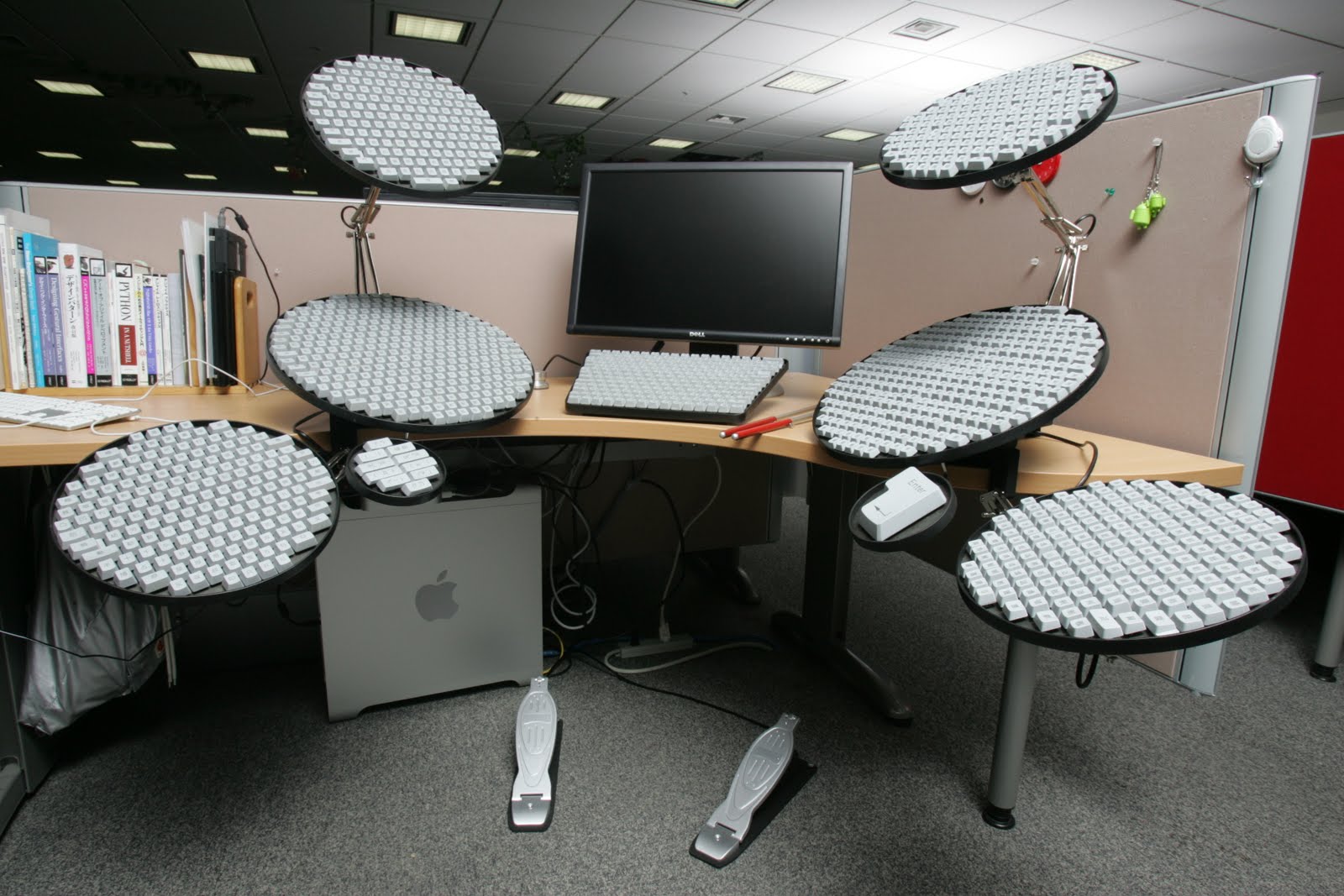
Personally, however, I like to see exactly what it is I am typing, exactly which symbols are being used. Ligatures distort that.
Ligatures are fine when reading prose, but I find them too confusing when coding. That's a personal preference, though. I'm sure some people have no problem with them.
I expect a significant proportion of programmers do not like coding using fonts with ligatures, so it's interesting that this website only provides the ability to filter fonts to display only those with ligatures. I would have liked the option to only display fonts WITHOUT ligatures.